A photograph that looks clear on a phone does not automatically make a crisp full-page print. The file, the page size and the way the picture is cropped all matter. You do not need a professional camera to make a good photo book, but you do need to work from the best copy available. Start with a small selection of meaningful images, then give each one a page layout it can comfortably support.
Go back to the original file
Look for the photograph in the original camera roll or ask the person who took it to send the original file. A screenshot of a photograph, or a copy downloaded from a social feed, may contain fewer pixels than the original. Sending an image as a file can avoid some messaging services' automatic compression; check the received copy rather than assuming the transfer preserved it.
Save an untouched version before you edit. Give your working copies clear names, such as 'beach-walk-cover' and 'beach-walk-inside', so you can recognise which crop belongs where. Keep the originals in a separate folder until the printed book has arrived.
Match the picture to the space
Check the supplier's image guidance for the actual book size and layout you choose. Pixel dimensions are more useful than file size alone: a large file can still contain an image that has been heavily compressed or enlarged. If the editor shows a low-resolution warning, try a smaller picture box or a multi-photo layout before searching for an enhancement tool.
For a rough illustration, a six-inch-wide image at 300 pixels per inch uses 1,800 pixels across. That is a planning example, not a universal printing requirement; the supplier's specifications and the image itself still matter. Increasing a file's pixel dimensions does not recover detail that was never captured.
Leave room for trimming and binding
A book page may crop a landscape photograph quite differently from the screen on which you first viewed it. Check faces, hands and any meaningful objects near the edges. Follow the editor's safe-area and bleed guides, keeping essential details away from trim lines.
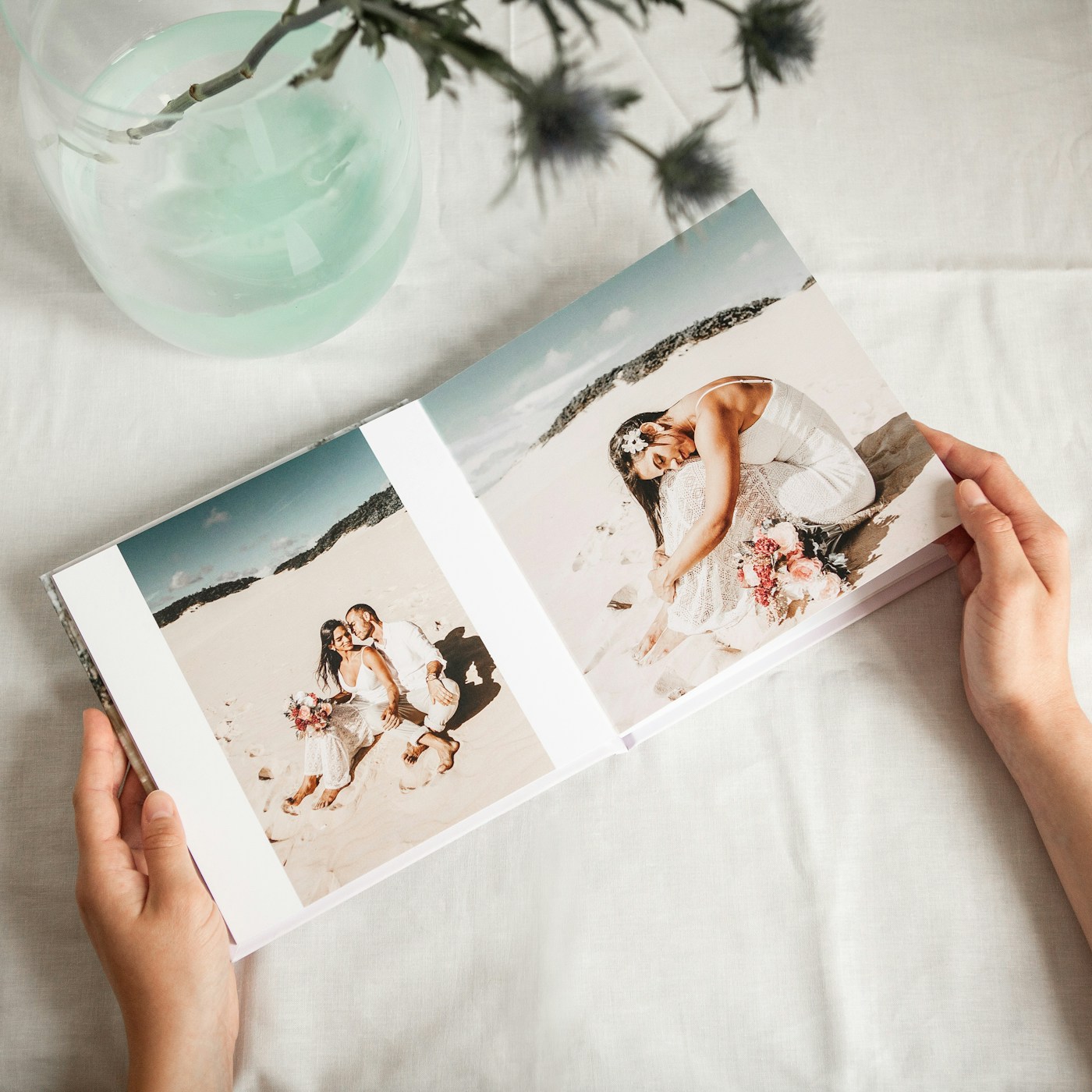
Take particular care with a picture spread across two pages. Even when a supplier offers a lay-flat format, follow its guidance for the centre of the spread. A face placed on the fold is rarely the easiest layout to get right. A smaller image with a calm border can look deliberate and preserve more of the scene.
Review the story as well as the sharpness
Make modest adjustments to brightness and colour, then compare with the original. An overly bright screen can make a dark picture seem more printable than it is. If colour accuracy is especially important, investigate the supplier's proofing options rather than expecting a screen to predict paper perfectly.
Read the finished book in order. Check captions, names and dates, watch for accidental duplicates and make sure no blank placeholder remains. Let a second person check factual details if the book is not a surprise for them. Keep a copy of the approved layout and allow time for the stated production and delivery process before the occasion.